
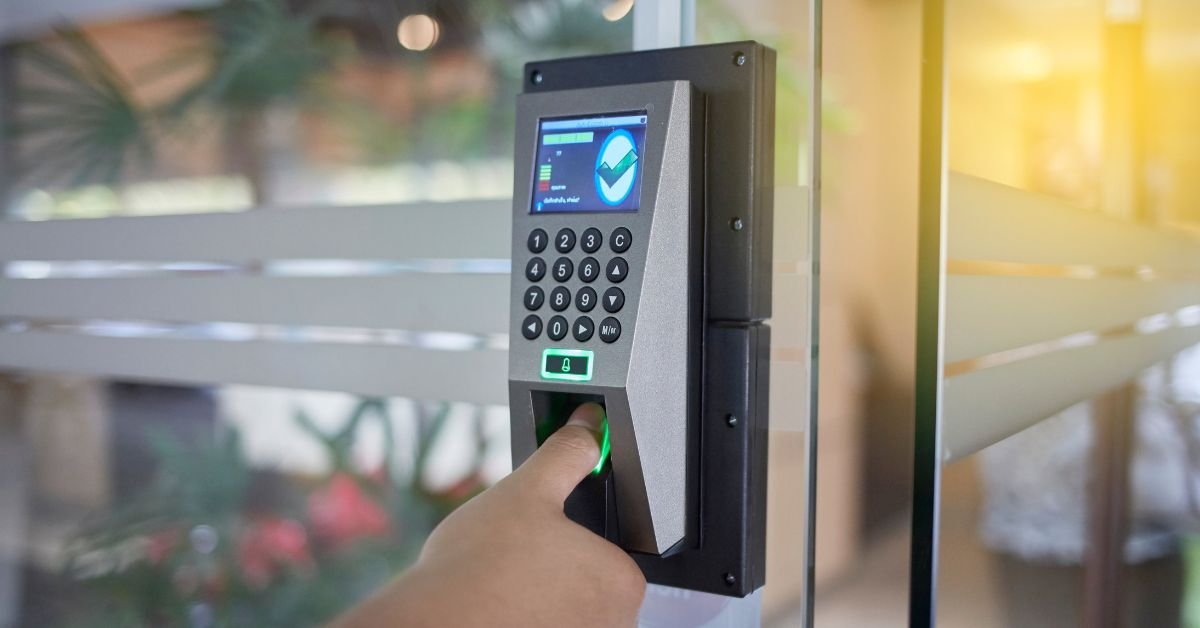
Can smart door locks be hacked? We get this question all the time, and the honest answer is simple. Yes, smart door locks can be hacked, but in real life it is not as easy or common as people think. If your lock uses a keyless entry system, Bluetooth, or Wi-Fi connection, your security depends on how well it is configured.
- Smart locks can be hacked, but it is not common with proper setup
- Weak passwords and shared codes are the biggest risks
- Outdated firmware increases vulnerability
- Bluetooth and Wi-Fi locks need secure connections
- Physical door strength still matters as much as digital security
A smart lock is a digital locking system that uses codes, apps, or biometrics instead of traditional keys. In the UK, especially in areas like Coventry, combining smart lock security with proper door alignment and strong hardware is key to real safety. In this article, we will break down real hacking risks, how they happen, and what you can do to protect your home effectively.
What Is a Smart Door Lock?
A smart lock is a modern keyless entry system that lets you lock and unlock your door using a PIN, smartphone app, fingerprint, or even voice control. In Coventry, more homeowners are switching to smart locks for convenience and control. A smart lock replaces or works alongside a euro cylinder or deadbolt, allowing access without a physical key. It operates through:
- Keypad entry using PIN codes
- Bluetooth Low Energy (BLE) for short-range phone access
- Wi-Fi smart lock systems for remote control via apps
- App-controlled lock features like unlocking, monitoring, and alerts
5 Security Facts About Smart Lock Hacking
If you ask any homeowner in Coventry or the West Midlands, the biggest concern is simple, can someone hack my smart lock easily? The reality is more practical than dramatic. Most smart lock issues come from setup mistakes, not advanced hacking. Here are the 5 real security facts you need to understand.
Fact 1: Weak passwords and reused PINs are the biggest risk
The most common entry point is not the lock, it is the user. Simple PINs like 1234 or reused app passwords make access easy. Strong, unique codes and proper access control reduce most risks instantly.
Fact 2: App account takeover is more common than lock hacking
In many cases, attackers target the app-controlled lock account, not the hardware. If your email or app login is compromised, your lock can be controlled remotely. This is why two-factor authentication (2FA) is critical.
Fact 3:Outdated firmware creates real vulnerabilities
Smart locks rely on firmware to stay secure. If updates are ignored, known vulnerabilities remain open. Regular updates fix bugs and improve encryption, making your lock safer over time.
Fact 4: Bluetooth and Wi-Fi risks depend on setup quality
A Bluetooth Low Energy lock is generally safer at close range, while a Wi-Fi smart lock allows remote access but depends heavily on network security. Weak Wi-Fi passwords or unsecured routers increase exposure.
Fact 5: Physical door and lock strength still matter most
Even the best smart lock cannot protect a weak door. Poor door frame strength, loose hinges, or misaligned strike plates are often the easiest way in. Digital high security door lock works best when combined with strong physical hardware.
How Smart Door Locks Can Be Hacked in Real Life
In real life, issues happen through weak setup, poor habits, or physical weaknesses around the door.
Remote attacks, Wi-Fi access and cloud account risks
Remote risks usually come from weak Wi-Fi security or compromised app accounts. If someone gains access to your email or smart lock app, they can control the lock without touching the door. Using strong passwords and two-factor authentication greatly reduces this risk.
Nearby attacks, Bluetooth interception and signal replay
With Bluetooth Low Energy (BLE) locks, attacks require close range. In rare cases, signal replay or interception can happen, but modern locks use encryption to limit this. Most real issues occur when devices are left unsecured or paired incorrectly.
Physical bypass, door frame, cylinder, and alignment issues
From experience at Kingdom Locksmith, the easiest entry point is often not digital. Weak door frames, loose hinges, or poorly fitted strike plates make forced entry easier than hacking. Even a strong smart lock cannot fix poor installation.
Social engineering, shared codes and human mistakes
Many security issues come down to people. Sharing temporary PIN codes, reusing passwords, or forgetting to remove old access can expose your lock. In reality, human error is one of the biggest smart lock security risks.
Are Smart Door Locks Safe Compared to Traditional Locks?
We get this question a lot from homeowners, are smart locks actually safer than normal key locks? The honest answer is, it depends on how they are used and installed. Both types have strengths, but the risks are different.
| Feature | Smart Door Locks | Traditional Locks |
| Security Type | Combines digital + physical security (encryption, apps, access logs) | Fully physical security (deadbolt strength, key control) |
| Key Risk | No risk of lost or copied keys | Keys can be lost, stolen, or duplicated |
| Hacking Risk | Possible if poorly configured (weak passwords, outdated firmware) | No digital hacking risk |
| User Control | High control with features like temporary PIN codes and activity logs | Limited control, no tracking of access |
| Convenience | Remote access via app, lock/unlock from anywhere | Requires physical key every time |
| Maintenance | Requires updates, secure apps, and good Wi-Fi setup | Minimal maintenance, no digital updates needed |
| Best Use Case | Ideal for modern homes with proper setup and security habits | Better for simple setups without digital management |
| Weak Point | Poor setup, weak passwords, unsecured apps | Weak door, poor installation, or key misuse |
How to Prevent Smart Lock Hacking: 2026 Security Guide
From real jobs we handle every day, most smart lock issues are preventable. You do not need advanced tools, just the right setup and habits. If you follow these practical steps, you can reduce almost all smart lock security risks.
Use strong passwords and enable two-factor authentication
Start with the basics. Use a strong, unique password for your lock app and avoid reusing it across devices. Always enable two-factor authentication (2FA) so even if someone gets your password, they still cannot access your lock.
Keep firmware and apps updated regularly
Smart locks rely on firmware updates to fix bugs and security gaps. Outdated systems are one of the biggest vulnerabilities. Make sure your lock app and device firmware are always updated to the latest version.
Secure your home Wi-Fi and connected devices
Your Wi-Fi network is the backbone of a smart lock system. Use a strong router password, enable encryption, and avoid public or unsecured networks. If your network is weak, your Wi-Fi smart lock becomes easier to target.
Manage guest access, temporary codes and activity logs
Never leave old codes active. Use temporary PIN codes for guests and remove them after use. Regularly check activity logs to monitor access and spot anything unusual.
Combine digital security with strong door hardware
Even the best smart door lock cannot protect a weak door. Make sure your door frame, hinges, and strike plate are solid and properly aligned. From our experience at Kingdom Locksmith, strong physical security combined with smart setup gives the best protection.
What to Do If You Think Your Smart Lock Was Hacked
If you suspect your smart lock has been compromised, act quickly to secure your home and system.
Immediate steps, reset lock, change codes, secure accounts
Start by performing a full lock reset, then update all PIN codes and passwords. Enable two-factor authentication and make sure your email and lock app accounts are secure.
Check devices, Wi-Fi, and connected apps
Review all connected devices and remove any unknown access. Secure your Wi-Fi network, update your router password, and ensure your lock app is up to date.
When to replace or upgrade your smart lock system
If the lock continues to behave abnormally or has outdated software, it may be safer to replace or upgrade it. From our experience at Kingdom Locksmith, upgrading to a modern system with better encryption and security features can prevent future risks.
When to Call a Locksmith for Smart Lock Security Issues
Sometimes smart lock problems go beyond simple resets or app fixes. Knowing when to call a professional locksmith service can save time and prevent damage. If your lock still malfunctions after a reset, codes do not save, or access issues continue, it may indicate a deeper problem that requires expert handling.
Lock alignment, hardware failure, or installation issues
Smart locks depend on proper fitting. Misaligned strike plates, weak door frames, or internal hardware faults can stop the lock from working correctly, even if the digital side is fine.
Professional inspection for full home security setup
A locksmith can check both digital and physical security. From our experience at Kingdom Locksmith, combining correct installation with proper configuration ensures your smart lock works smoothly and securely.
Conclusion
By using strong passwords, enabling two-factor authentication, updating firmware, and securing your Wi-Fi, you can significantly reduce these risks. Just as important, combining digital protection with strong physical security like a solid door frame and proper lock alignment ensures complete protection.
At Kingdom Locksmith, we always advise keeping both your smart lock system and door hardware in top condition. If you are unsure about your setup, facing ongoing issues, or want to upgrade your security, we are here to help with expert locksmith services.
If you need help with smart lock issues, don’t hesitate to contact or visit Kingdom Locksmith for fast and reliable locksmith service in Coventry and beyond. We’re here to ensure your home stays secure!
FAQs About Smart Door Lock Security
Question: Can smart locks be hacked remotely?
Answer: Yes, but it is uncommon with proper setup. Most remote risks come from weak passwords or compromised app accounts, not the lock itself.
Question: Are Bluetooth smart locks safer than Wi-Fi locks?
Answer: Bluetooth locks are generally safer from remote attacks since they require close range, while Wi-Fi locks offer more convenience but need stronger network security.
Question: Can hackers unlock a smart lock without the app?
Answer: In most cases, no. Modern smart locks use encryption and secure systems, but weak PINs or shared access can create risks.
Question: How secure are smart locks in the UK?
Answer: When properly installed and configured, smart locks in the UK can be very secure, especially when combined with strong door hardware and correct setup.